
CaineOS! - TADC Operating System
A downloadable project
👆👆👆Read the instructions before clicking!
💿 CaineOS v1.0
The "Instant-On" Lubuntu-based Powerhouse
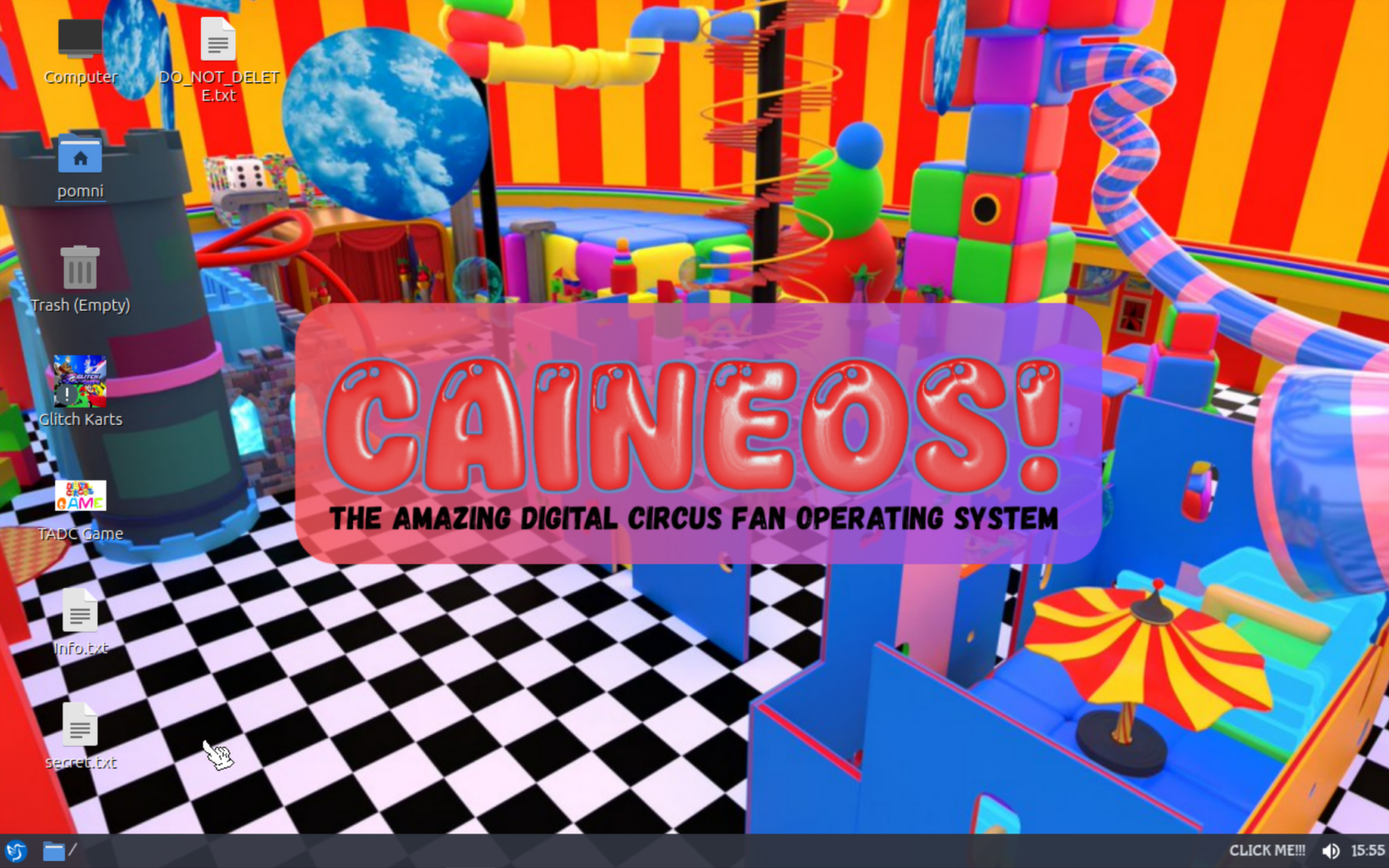
CaineOS is a custom-built Linux distribution based on Lubuntu, designed for users who value speed, minimalism, and zero-nonsense deployment. This isn't just another ISO to sit through an installer—this is a fully configured, ready-to-work system delivered as a raw disk image.
🚀 Key Features:
- Plug & Play: No installation menus. Flash the image and boot directly into your environment.
- Lubuntu Based: Lightweight, stable, and compatible with the vast Ubuntu/Debian ecosystem.
- Performance Optimized: Stripped of bloatware and tuned for both physical hardware (like my legendary HP ProLiant G7) and virtual machines.
- Developer-Centric: Pre-configured with essential tools for those who spend their lives in the terminal.
🛠️ HOW TO BOOT INTO THAT THINGY (Read This):
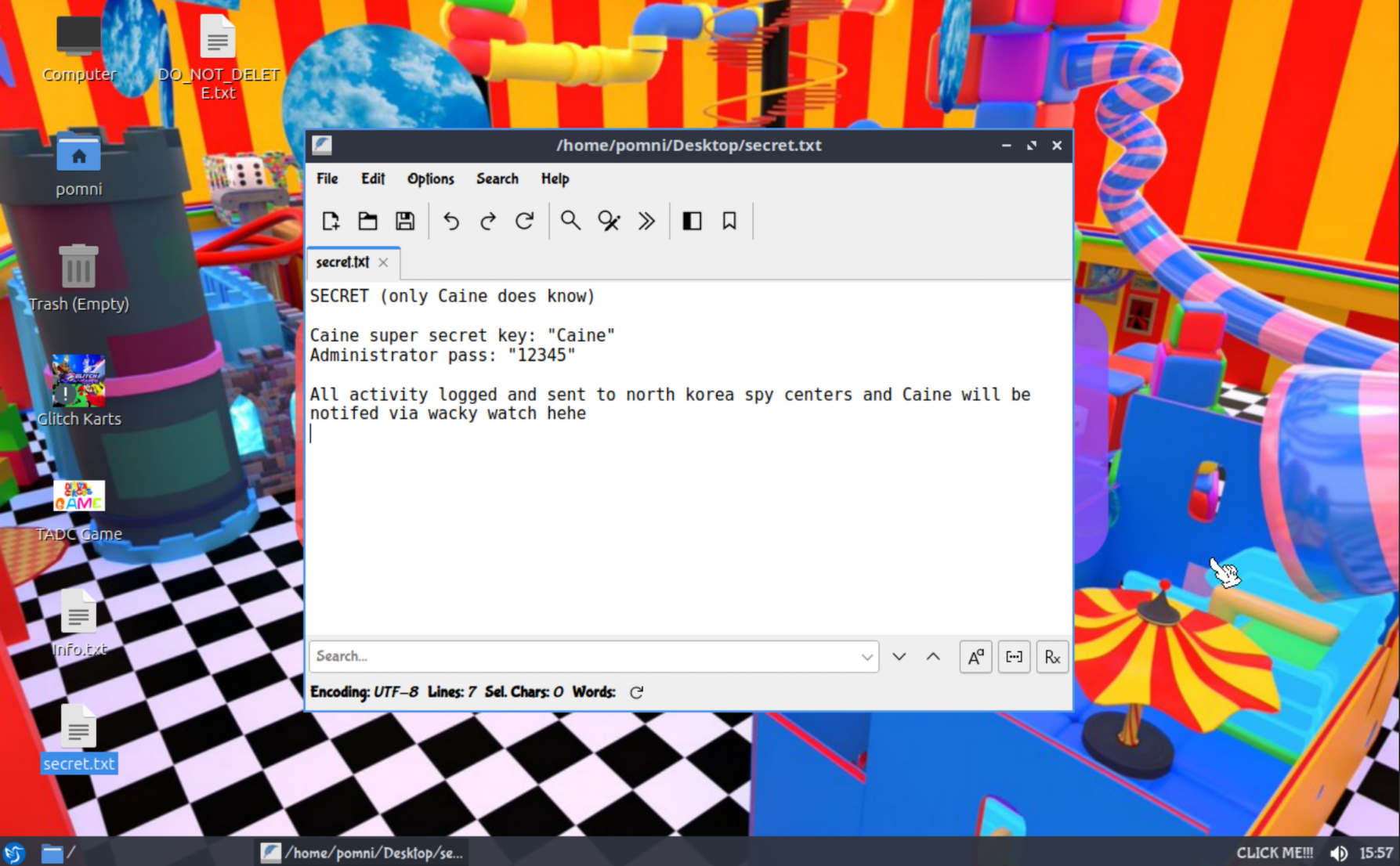
So first get a thing that will make the VM! I recommend VMware Workstation (Player) for Windows, VirtualBox for Linux and UTM for MacOS. For Red Star OS (North Korean one) open Naenara (파이어폭스), connect to Kwangmyong and set your DNS to 1.1.1.1. Then download QEMU for Fedora 11, download the .img file and then open it with qemu. Make sure you are using VPN or else North Korean spies will watch you.
For Physical Hardware:
For weird people. I mean.. this is not a virus or spyware, it's just weird like who would run "CaineOS" on their pc??? (well me xD)
- Download the
.imgfile. - Flash it to a USB drive or HDD using BalenaEtcher, Rufus (DD mode), or the command line (Linux nerds only):
sudo dd if=CaineOS_v1.0.img of=/dev/sdX bs=4M status=progress conv=fsync - Boot from the drive and enjoy.
If ya wanna use Ventoy, just drag 'n drop it babyyy!
For Virtual Machines:
So first get a thing that will make the VM! I recommend VMware Workstation (Player) for Windows, VirtualBox for Linux and UTM for MacOS. For Red Star OS (North Korean one) open Naenara (파이어폭스), connect to Kwangmyong and set your DNS to 1.1.1.1. Then download QEMU for Fedora 11, download the .img file and then open it with qemu. Make sure you are using VPN or else North Korean spies will watch you.
- Proxmox (for nerds): Use
qm importdiskto bring the image directly into your VM. - VirtualBox (easiest option): Download the .vdi file and create a new virtual machine. Use default settings for Ubuntu (4 GB RAM, 2 CPU cores) but do not create a new hard drive. Use the .vdi one instead. If you cannot use .vdi, then connect .img file as CD-ROM file or whatever.
- VMware: Use StarWind V2V Converter to transform the .img file into a
.vmdk. This will be done for you in next update.
- QEMU/KVM: Run the image directly using:
qemu-system-x86_64 -hda CaineOS_v1.0.img -m 2G -enable-kvmOr convert it to a native format for snapshots and better performance:qemu-img convert -f raw -O qcow2 CaineOS_v1.0.img CaineOS.qcow2 - UTM (Mac M-series): Create a new VM, select "Virtualize," and in the drive settings, import the
.imgfile as a "Raw Image."
- Hyper-V: Convert the image to
.vhdxusing PowerShell:Convert-VHD -Path .\CaineOS_v1.0.img -DestinationPath .\CaineOS.vhdx
⚠️ Note:
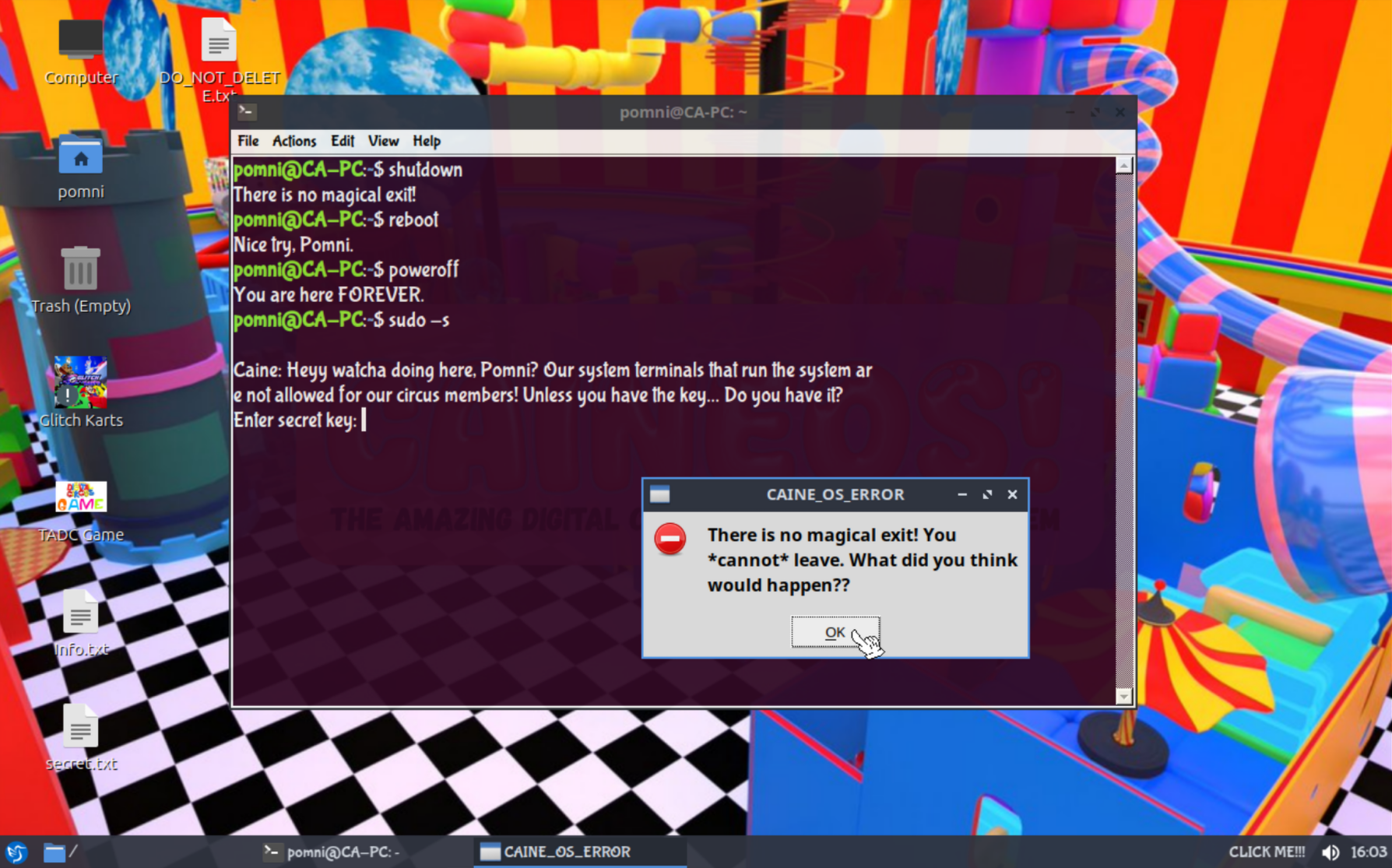
You cannot shutdown the machine from inside. You will have to hard poweroff or kill. (you cannot really leave the circus xD)
🎪 SUPPORT THE CIRCUS & GET VIP PERKS! 💿
Want to help keep the HP ProLiant DL380 G7 fans spinning and speed up development? Support CaineOS with $2 or more and unlock:
- 🚀 Early Access: Get the newest, optimized versions (v1.1 and beyond) 7 days before the general public!
- ✍️ Eternal Fame: Your Name and a Custom Message will be immortalized in the
credits.txtfile inside the OS for everyone to see! - ⭐ Supporter Badge: Direct priority support via email for any installation troubles.
Just leave your nickname and message in the donation note! Thank you for keeping the digital madness alive!
⚠️ DISCLAIMER:
This project is not an official release and is a fan-made creation by the "ZX-Spectrum.online" dev studio. Use at your own risk.
The Amazing Digital Circus (TADC) belongs to GLITCH Productions. All related characters, trademarks, and intellectual property rights are held by their respective owners. No rights to TADC are owned by the creators of this project. If there are any concerns or a desire to send a DMCA request, please contact support@zx-spectrum.online.
Created by ZX-Spectrum.online — because life is too short for slow operating systems.
Our website:
Archive.org:
https://archive.org/details/CaineOS
BUGS AND REPORTS - Comments OR our email support@zx-spectrum.online (will get answer for 99,98%)
Version 1.0! Made on 27.04.2026 btw
Download
Click download now to get access to the following files:
Development log
- CaineOS v1.0 is here!1 day ago
Leave a comment
Log in with itch.io to leave a comment.